> ## Documentation Index
> Fetch the complete documentation index at: https://docs.seitrace.com/llms.txt
> Use this file to discover all available pages before exploring further.
# Activating free trial package
> Experience our free plan to explore and enhance your product effortlessly. Enjoy valuable benefits and discover the full potential of our services at no initial cost. Get 90 days of free access to our API services. You won’t be charged until you decide to upgrade to a paid plan.
## Activating the Free Trial Package
* **One-Time Activation**: The free trial can be activated only once. Once a paid package is purchased or a trial has already been activated, reactivation is not possible.
* **Email Restrictions**: Each email type can activate the free trial only once. For example, if `contact@seitrace.com` activates the trial, `contact+test@seitrace.com` (an extended email for the original email: [contact@seitrace.com](mailto:contact@seitrace.com)) cannot.
## How to Activate a Trial Package
1. Log in to your account at [Seitrace.com](http://Seitrace.com).
2. Navigate to the Insights page: [https://seitrace.com/insights](https://seitrace.com/insights)
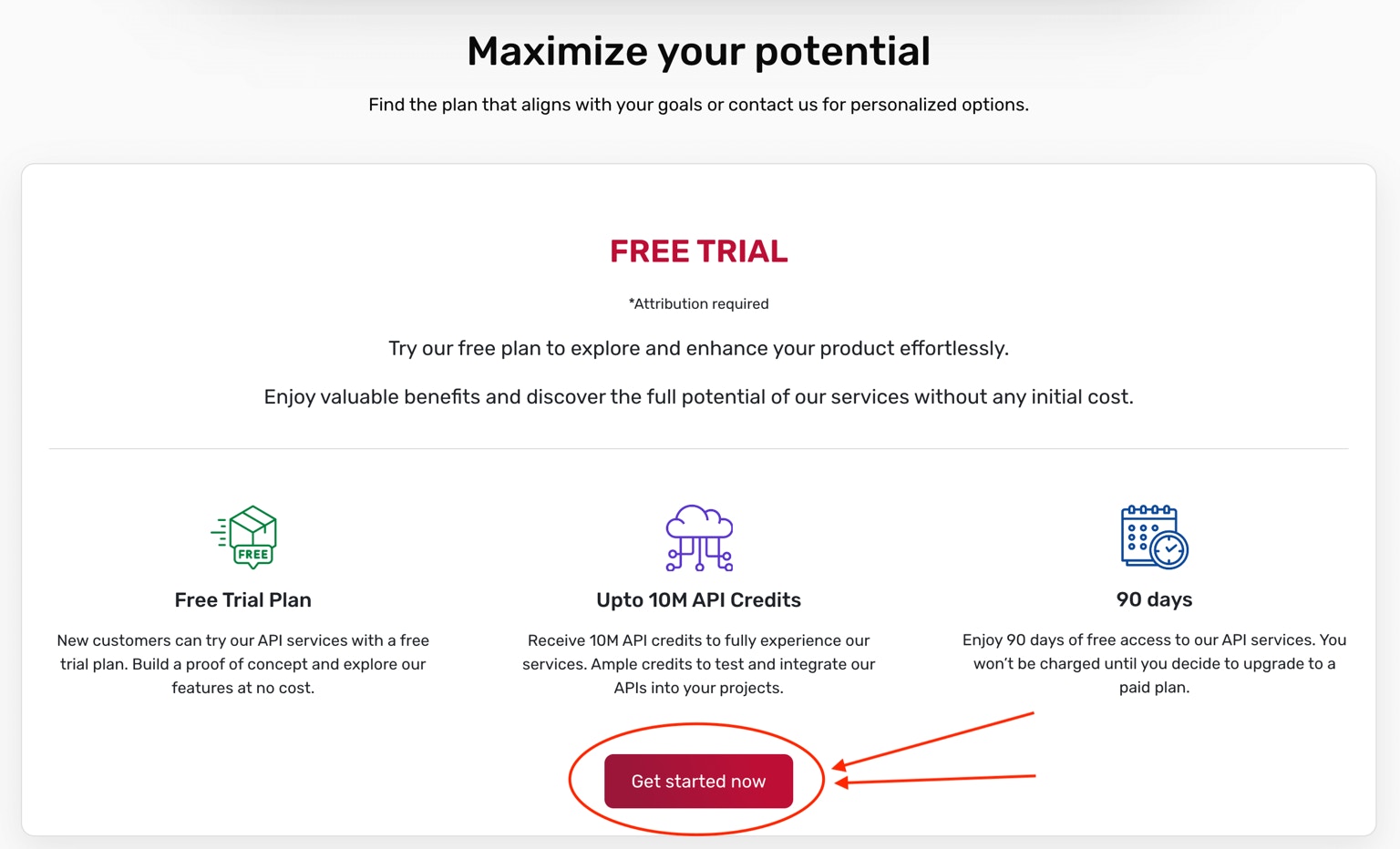 3. Scroll down to the "Free Trial" section.
4. Click on the "Get started now" button.
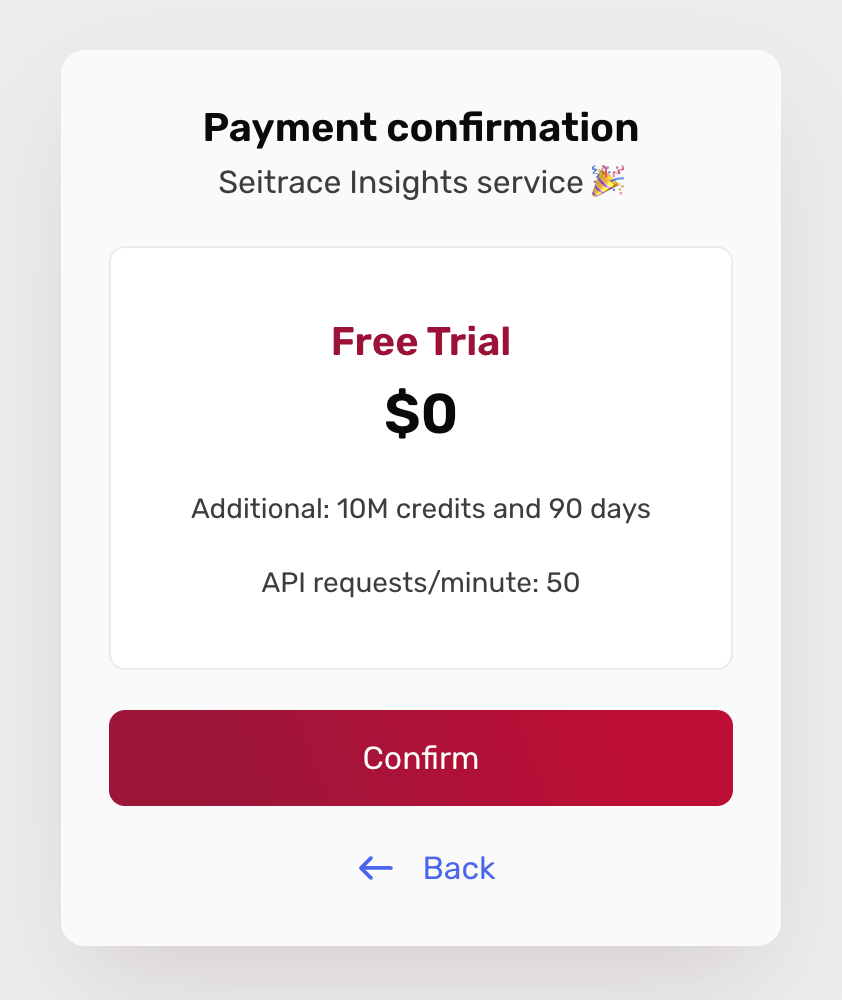
5. Confirm the activation of your trial package when prompted.
3. Scroll down to the "Free Trial" section.
4. Click on the "Get started now" button.
5. Confirm the activation of your trial package when prompted.
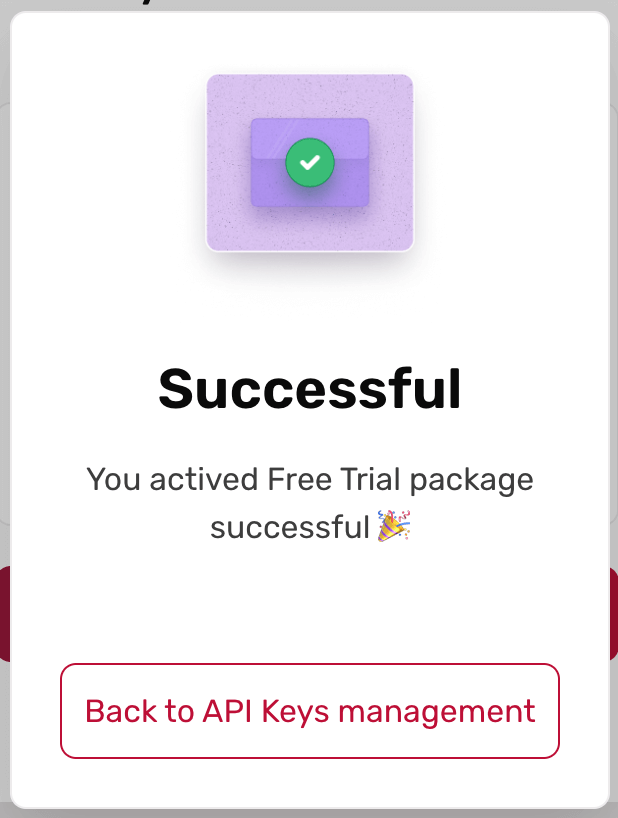
 6. You will see a success message once the activation is complete.
 After activation, you can access the API Keys management section.
In the API Keys management, you can create new API keys for use with the service.
Generate API keys for your Seitrace Insights account in a few simple steps.
After activation, you can access the API Keys management section.
In the API Keys management, you can create new API keys for use with the service.
Generate API keys for your Seitrace Insights account in a few simple steps.